How to Send a Google Forms Confirmation Email with an Attachment (2026)
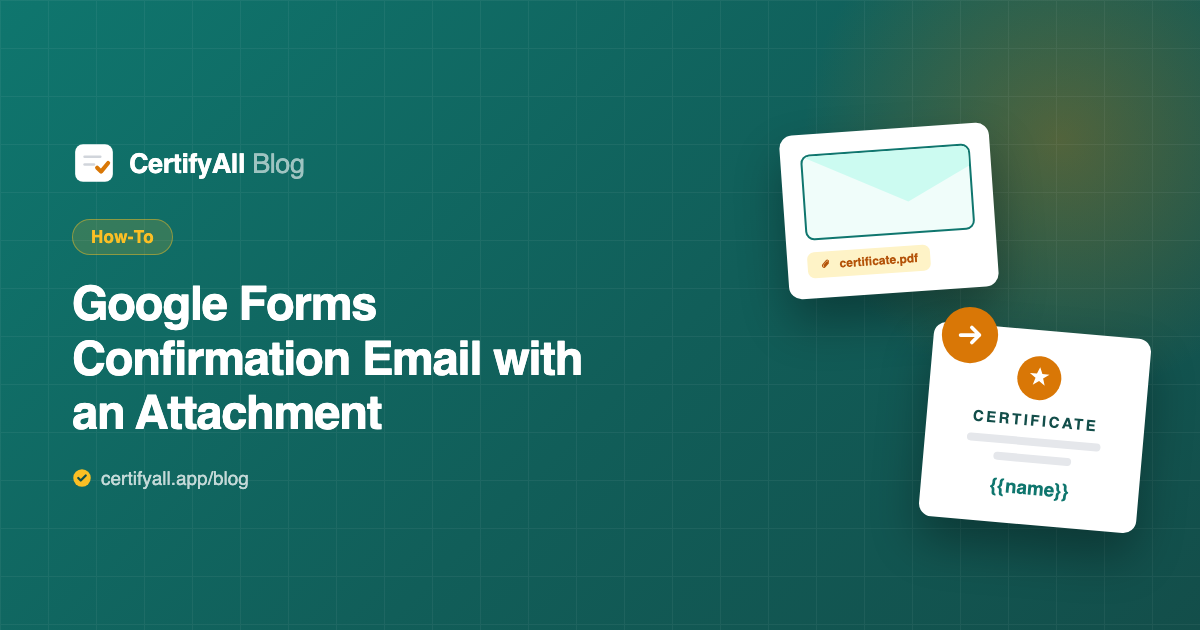
Google Forms can email respondents a plain copy of their answers, but it cannot attach a file to that email. To send a confirmation email with a real PDF attachment — a ticket, receipt, registration confirmation, or certificate — you connect an add-on that generates the document and sends it. The simplest way is a Google Slides template plus the CertifyAll add-on: about 10 minutes to set up, no code, and every submission gets an automatic confirmation email with its own personalized attachment.
What Google Forms sends natively (and what it can't)
Out of the box, Google Forms offers two confirmation behaviors: a short on-screen message after submitting, and — if you enable it — an email to the respondent containing a plain-text copy of their answers. Neither can carry an attachment. There's no setting anywhere to attach a PDF, a ticket, or a branded document.
That's the gap this guide fills. An add-on watches for submissions, builds a document from a template, and sends it as an attachment — the confirmation email Forms can't produce on its own.
The 4-step setup
- Collect email addresses. In the form's Settings, turn on Collect email addresses (or add an email question) so the confirmation has a recipient.
- Design the attachment in Google Slides. Build whatever the PDF should be — confirmation, ticket, receipt, certificate — and add placeholders where each respondent's details go:
{{name}},{{date}},{{email}}, or any custom field. The Slides template guide walks through it. - Connect CertifyAll. Open it from the form's add-ons menu, paste the Slides URL, and map each placeholder to a form question.
- Turn it on. Every submission now emails the respondent an automatic confirmation with their personalized PDF attached, and files a copy in your Google Drive.
What you can attach
Anything that fits a single page and varies per respondent:
- Registration confirmations — name, event, date, and a reference number for sign-ups.
- Event tickets — a branded ticket with the attendee's details, ready to show at the door.
- Receipts & order confirmations — when a form captures a purchase or booking.
- Certificates — of completion, attendance, or achievement (the most common use — see the certificates pillar).
- Welcome letters — a personalized onboarding note after a signup form.
The attachment is just your Slides design, so the layout and branding are entirely yours. For the broader version of this workflow, see how to email a PDF from Google Forms responses.
Frequently asked questions
Can Google Forms send a confirmation email with an attachment?
Not by itself. Forms can show a confirmation message and email a plain-text copy of answers, but it can't attach a file. To send a confirmation email with a PDF attachment automatically, connect CertifyAll, which generates a personalized PDF from a Google Slides template and emails it to each respondent on submission.
How do I attach a PDF to a Google Forms response email?
Design the PDF in Google Slides with placeholders like {{name}} and {{date}}, connect it to your form with CertifyAll, and map the placeholders to form questions. On each submission CertifyAll fills the template with that respondent's answers and emails them the finished PDF as an attachment.
Can I customize the confirmation email respondents receive?
Yes. CertifyAll emails each respondent their personalized PDF attached, so the attachment is fully branded to your Google Slides design — replacing the plain answer-copy email Forms sends with a professional, document-bearing confirmation.
What can I attach besides a certificate?
Any single-page PDF you design: a registration confirmation, an event ticket, a receipt or order confirmation, a welcome letter, or a certificate. The attachment is just your Slides template, so the format and branding are yours.
Is there a free way to send confirmation emails with attachments?
Yes. CertifyAll's free plan sends up to 20 attachment emails per month (with a small watermark on the PDF) and includes Drive backup. For unlimited sends with no watermark, Pro is $5.99/month.