The Best Certify'em Alternative for Google Forms Certificates (2026)
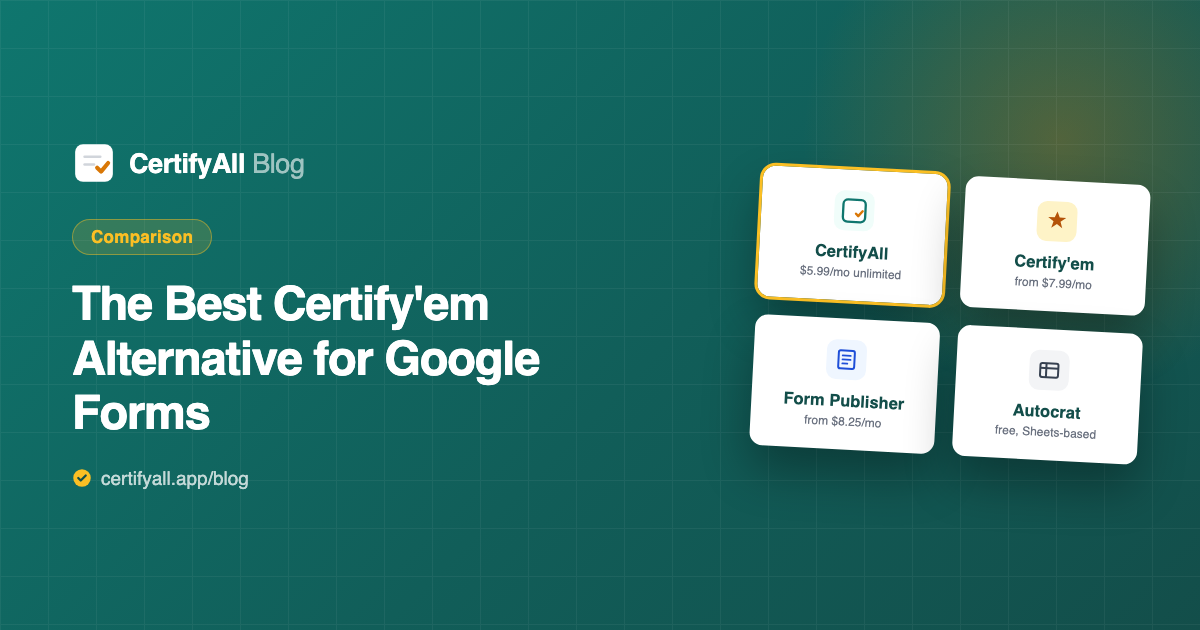
If you're looking for a Certify'em alternative, CertifyAll is the closest match — a quiz-aware Google Forms certificate add-on that's cheaper for unlimited certificates and includes Drive backup and retry emails on every plan. Both tools do the same core job: a respondent passes your Google Form quiz, and a certificate is generated and emailed automatically. The differences are in price, templates, and which features sit behind the paywall. Here's an honest, fact-checked comparison (we make CertifyAll, so we'll also tell you plainly when Certify'em is the better pick).
Why people look for a Certify'em alternative
Certify'em is a capable, long-running tool — so people usually shop for an alternative for specific reasons:
- Cost at scale. Certify'em's tiers are volume-based (recipients per day), and the features many people want — Drive storage especially — sit on the $12.99/month Platinum plan.
- They want their own design. Some users prefer building the certificate in Google Slides exactly to their brand rather than starting from a gallery.
- They want a flat unlimited price. A single low monthly cost is simpler to reason about than daily-recipient tiers.
CertifyAll is built around exactly those preferences. Here's how the two line up.
CertifyAll vs Certify'em, side by side
| Feature | CertifyAll | Certify'em |
|---|---|---|
| Runs inside Google Forms | Yes | Yes |
| Quiz passing-score gating | Yes | Yes |
| Your own Google Slides template | Yes | Yes (upload) |
| Built-in template gallery | No | Dozens of designs |
| Retry email for failing respondents | Yes | No |
| Google Drive backup | Free, all plans | Platinum only |
| QR / certificate verification | No | Unique IDs free, QR on Platinum |
| Free tier | 20 certificates/month | 60 recipients/day |
| Cheapest unlimited / no-watermark | $5.99/mo | $7.99/mo (400/day) |
Pricing compared (verified June 2026)
| Plan | Price | What you get |
|---|---|---|
| CertifyAll Free | $0 | 20 certificates/mo, quiz gating, email, Drive backup, watermark |
| CertifyAll Pro | $5.99/mo | Unlimited, no watermark, custom branding, priority support |
| Certify'em Free | $0 | 60 recipients/day, templates + custom uploads, Certify'em branding |
| Certify'em Gold | $7.99/mo ($79.99/yr) | 400 recipients/day, branding removed |
| Certify'em Platinum | $12.99/mo ($129.99/yr) | 1,500/day, QR verification, Drive storage |
The headline: for unlimited certificates with no watermark and Drive backup, CertifyAll Pro at $5.99/month is the lowest cost — Certify'em's equivalent (Drive storage + branding removed) is the $12.99 Platinum tier.
Where CertifyAll wins
- Lower unlimited price — $5.99/month flat, no daily-recipient ceilings to track.
- Drive backup on every plan — including free; on Certify'em it's Platinum-only.
- Retry emails for failing respondents — students who fall short get their score and an invitation to try again, turning a failure into a second attempt. Certify'em doesn't do this.
- Your design, untouched — the template is your own Google Slides file, so the certificate looks exactly how you built it.
Where Certify'em wins
To keep this honest, Certify'em is the better choice when:
- You need high free-tier volume — 60 recipients/day free is more generous than CertifyAll's 20/month for short bursts.
- You want ready-made designs — its gallery of dozens of templates saves you designing one (though our 15-minute Slides template guide closes most of that gap).
- You need third-party verification — QR-code certificate verification on Platinum is a real feature CertifyAll doesn't offer. If recipients must prove authenticity to an outside party, that matters.
How to switch from Certify'em to CertifyAll
Because both run inside Google Forms, switching is quick and leaves your form and responses untouched:
- Install CertifyAll. Get it from the Google Workspace Marketplace and open it from your form's add-ons menu.
- Point it at a Slides template. Paste a Google Slides certificate URL (reuse your existing design or build one from our template guide).
- Map fields and set your passing score. Match
{{name}},{{score}}, etc., to your questions, and set the threshold. - Turn off Certify'em, turn on CertifyAll. New submissions now issue through CertifyAll — same form, same responses, new certificate engine.
Frequently asked questions
What is the best alternative to Certify'em?
CertifyAll is the closest alternative for Google Forms certificates. Both are quiz-aware add-ons that auto-issue certificates to passing respondents. CertifyAll uses your own Google Slides design, includes Drive backup and retry emails on every plan including free, and costs $5.99/month unlimited — versus Certify'em, which puts Drive storage and QR verification on its $12.99/month Platinum plan.
Is CertifyAll cheaper than Certify'em?
For unlimited certificates, yes. CertifyAll Pro is $5.99/month with no watermark. Certify'em's paid plans are Gold at $7.99/month (400/day) and Platinum at $12.99/month (1,500/day). CertifyAll also includes Drive backup free, whereas on Certify'em that's Platinum-only.
When is Certify'em the better choice?
If you need higher free-tier volume (60 recipients/day), a built-in gallery of ready-made designs, or QR-code certificate verification — which CertifyAll doesn't offer. For most teachers and trainers wanting a simple, low-cost quiz-to-certificate workflow with their own design, CertifyAll is leaner.
Can I switch from Certify'em to CertifyAll easily?
Yes. Both run inside Google Forms, so switching is installing CertifyAll, pointing it at a Slides template, mapping your fields, and setting a passing score. Your existing form and responses are untouched — you're only changing what issues the certificate.
Do both support quiz passing scores?
Yes. Both are quiz-aware: set a passing score and only respondents who reach it receive a certificate. CertifyAll additionally sends those who fall short an encouraging retry email with their score, which Certify'em does not.